
Wilson
A personal day planner

Plan your days.
Prioritize what matters.
Live by your Aim.

Wilson is a leather-bound day planner for the screen. Pick the Lead. Set the Course. Close the week. Renew. Your roles, your principles, your book — nobody else’s.

Day · Course · Month — past, present & future
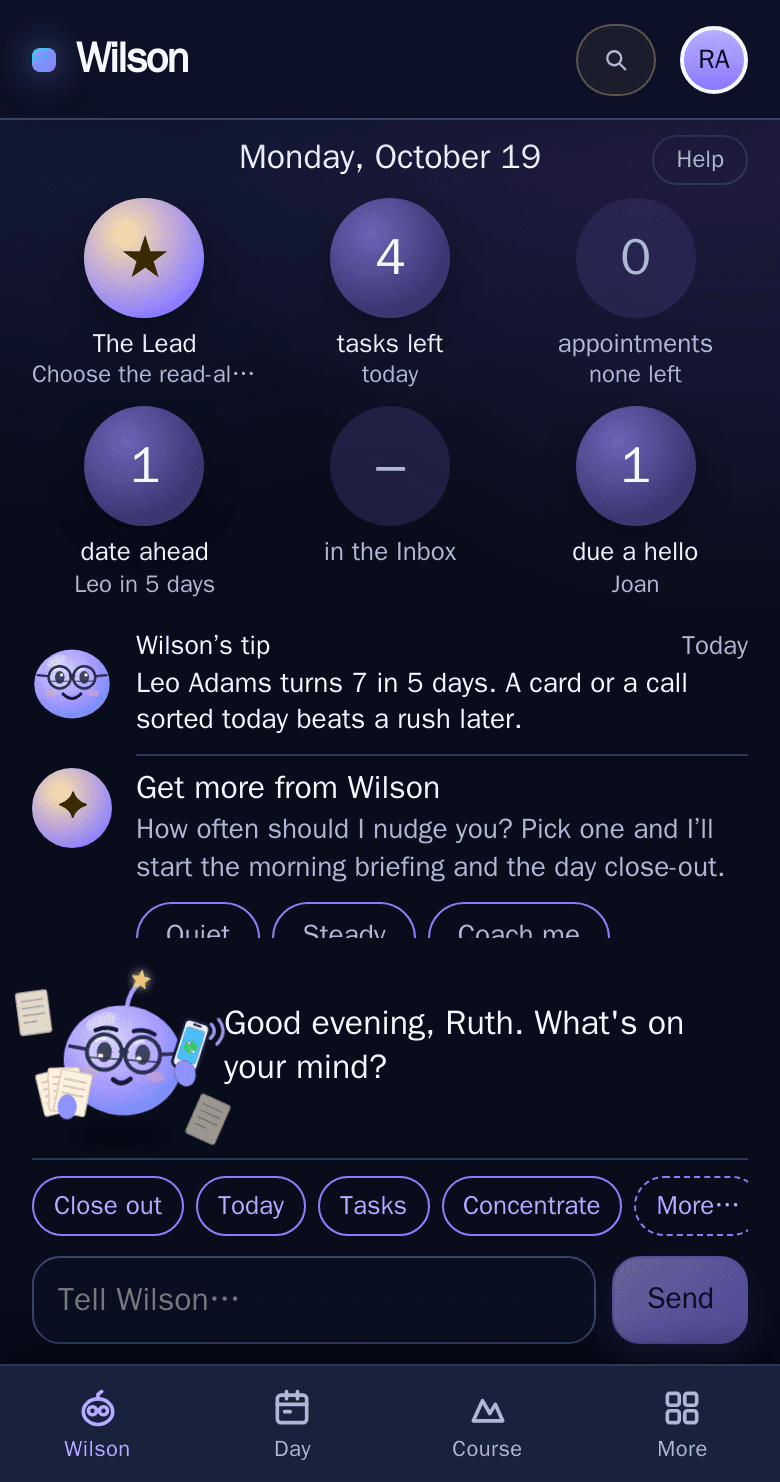
Wilson, your planner you talk to
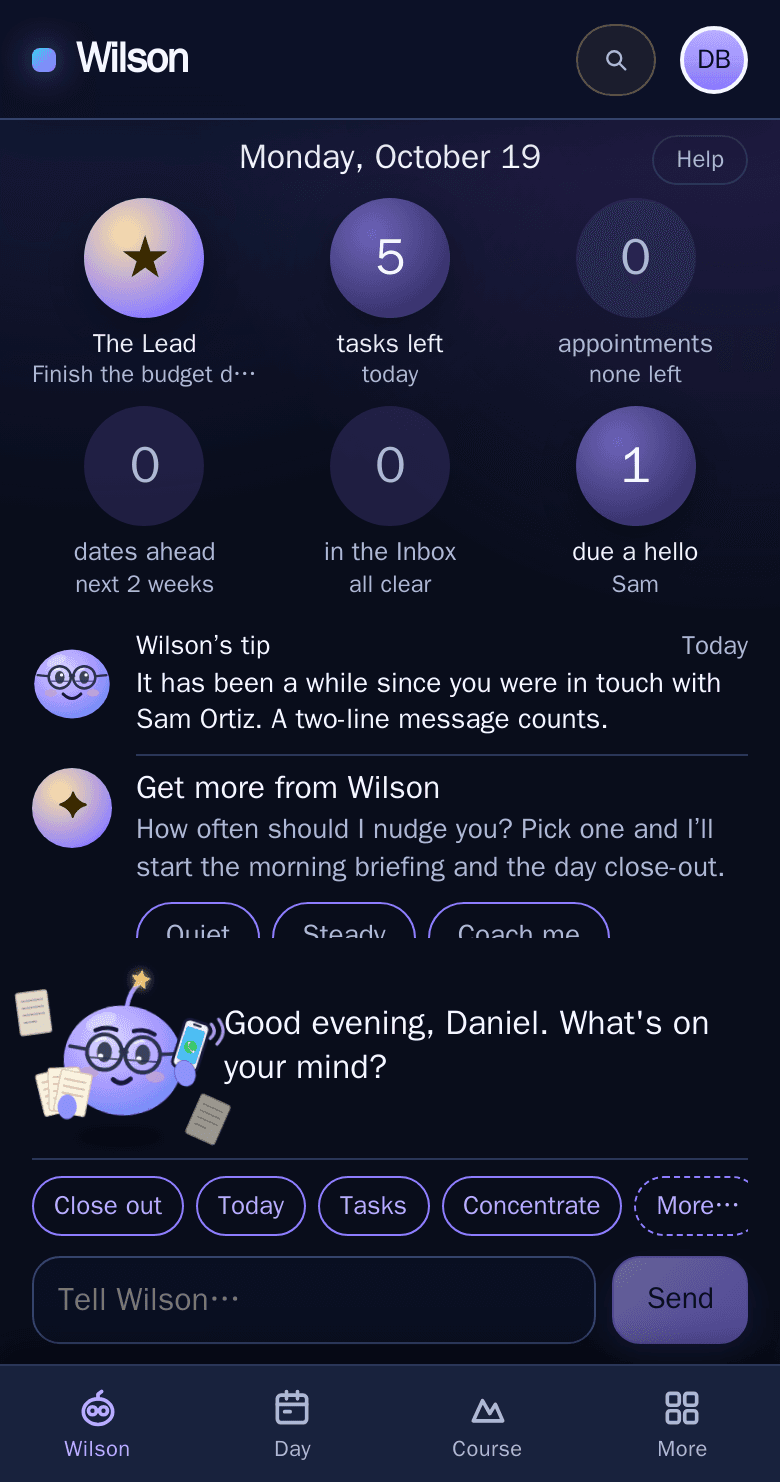
On a phone: Wilson's home with today's Lead, tasks left, the next appointment and who is due a hello
Tell WilsonRank the dayPlan the week
Private by designYour planner stays yours, with export any time. When Wilson asks the AI, it sends only what that request needs.
A real weekly loopKeystones for the week, a Lead for each day, and a close at the week's end to see what landed.
Quiet when you need itQuiet hours, a stop-work nudge, and a pace you choose, from Quiet to Coach me.
Three lives, one planner

A plan that holds the life around the work.

Illustrative people, real screens from the app.

Maya at her desk in the evening, with fabric swatches, a laptop and a vase of flowers, the city lit up outside
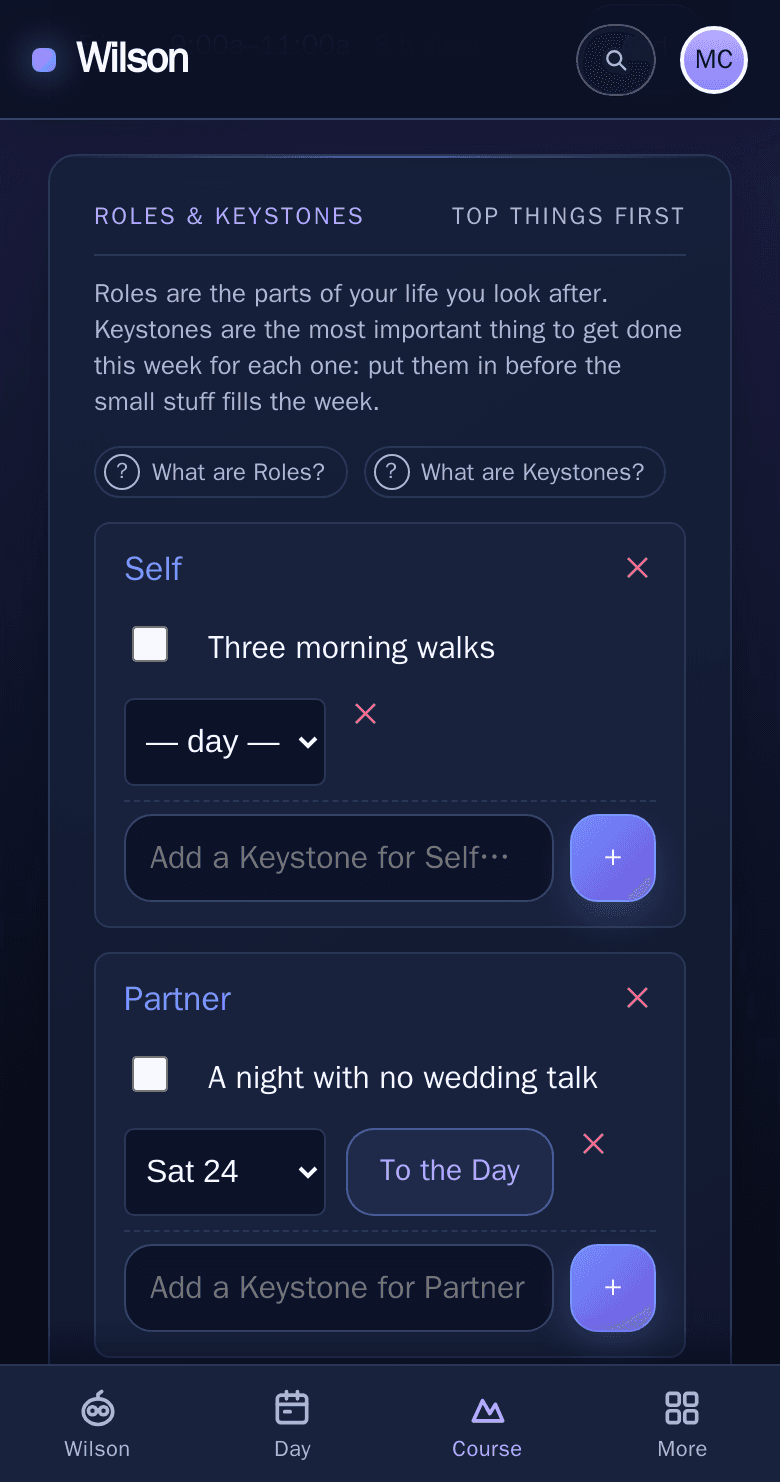
On a phone: Maya’s Course, with Keystones for Self and Partner, “A night with no wedding talk” set for Saturday
Maya, getting married in June

The wedding got one Keystone a week, not every evening.

Maya gave the wedding a project and a single Keystone each week, so the invitations went out and Saturday night stayed theirs.

Maya’s Course: one Keystone for each part of her life

Read Maya’s story →

See the stories inside and learn how Wilson can help you →

Tell Wilson what you need

Type it or say it. Wilson adds the task, shows the right screen, and keeps the people and the week in view.

Say it once

“Call the dentist by Friday, about 20 minutes”

Wilson reads the due date and how long it takes, and warns you when the work won't fit before the deadline.

Morning and evening

A briefing and a close-out

Start with today's Lead and what's coming; end by carrying what's open to tomorrow. As often as you like: Quiet, Steady or Coach me.

People

Birthdays, gifts and a hello

Wilson remembers birthdays and anniversaries, says who is due a hello, and shares gift ideas with family by a link, so nobody buys the same thing.

The method

Four moves, in plain words. Tap any “?” in the app, or ask Wilson, and he explains them with examples.

1
Name your Aim and Roles
A few sentences on what you want your life to be about, and the parts of it you look after: Self, Partner, Parent, your work.
2
Set the Course
Each week, one Keystone per role, the thing that would make the week a success, placed on a day before the small stuff fills it.
3
Pick the Lead
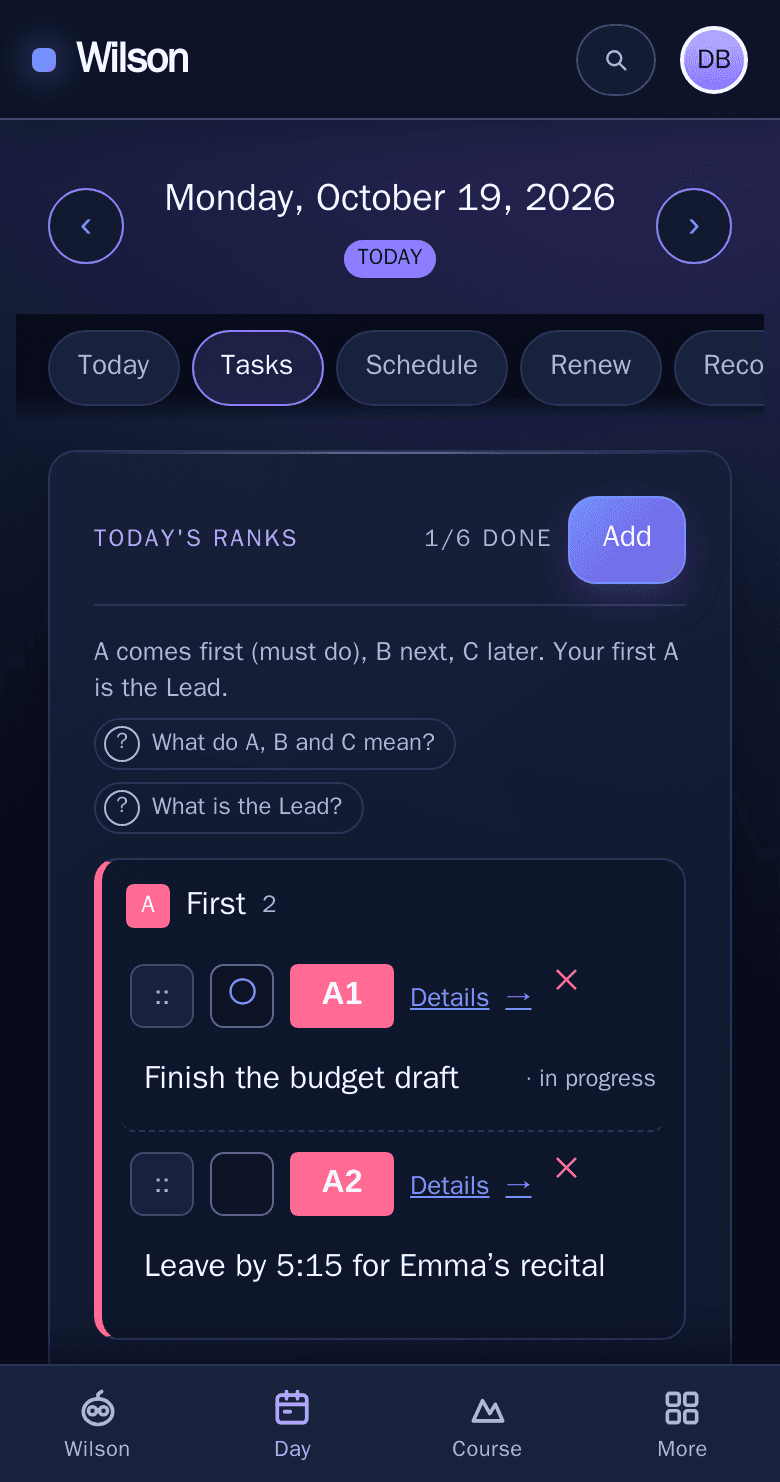
Rank the day A, B and C, and do the first A before the rest. Ranks are for one day: today's C2 can be tomorrow's A1.
4
Close the week
See what landed, carry forward what still matters, and notice any role that got no time at all.

Every screen, one tap from Wilson

Wilson is home. The day, the week and your goals sit beside him, on a phone or a desk.

Day

Today, ranked

A, B and C tasks with the Lead on top, the day's appointments, and a check-in on how you're doing.

Course

The week ahead

Your Roles and this week's Keystones, each placed on a day, with the week's close when it ends.

Goals

Commitments you keep

Daily, weekly or a few times a week, ticked off as you go, with a grid of weeks that shows the habit forming.

Wilson